Samurai Fireworks
WooCommerce Performance Audit & Checkout Optimization
Skills applied to this project
Diagnosed and resolved critical WooCommerce performance issues causing high checkout abandonment at a seasonal high-traffic fireworks retailer — cutting page load times from 8 seconds to under 2.
What was the problem?
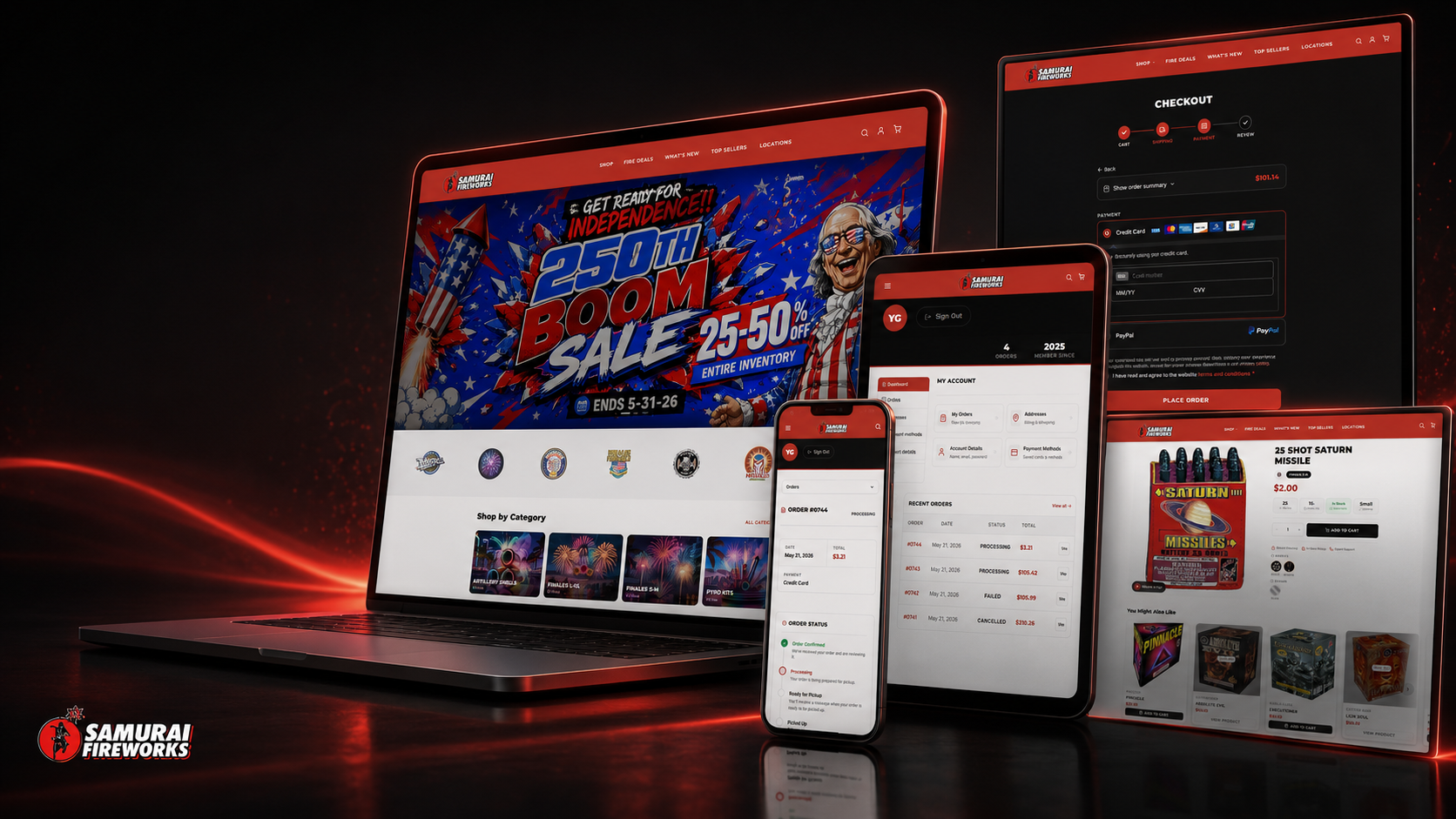
Samurai Fireworks sees its highest traffic during the July 4th season, but checkout was painfully slow — sometimes 8–10 seconds to load the cart and payment pages. Customers were abandoning before completing purchase. The store ran dozens of plugins with no object caching, and the WooCommerce admin was unusably slow during peak days.
How I solved it
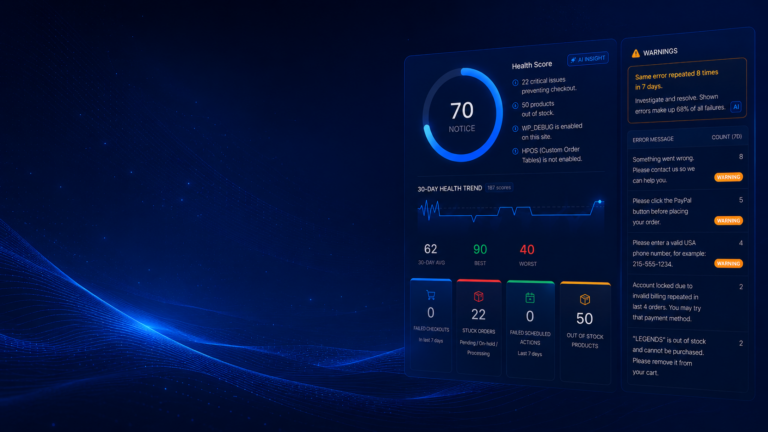
I performed a full WooCommerce audit using Query Monitor and server logs. I found N+1 queries in the cart session handler, unoptimized product meta queries, and blocking external API calls during checkout. I implemented Redis object caching via wp-redis, rewrote the problematic cart hooks, deferred non-critical external calls to WooCommerce's action scheduler queue, and removed conflicting plugin combinations.
Measurable results
Checkout page load dropped from roughly 8 seconds to under 2, and completed orders improved noticeably in the first peak season after the fix. The WooCommerce admin became usable again and the team could manage products during peak traffic without timeouts.
- Checkout page load cut from ~8s to under 2s
- Noticeable lift in completed orders during the first post-fix peak season
- WooCommerce admin fully usable during peak traffic
- Redis object caching substantially reduced database query load
- Eliminated timeout errors during July 4th peak days
Technical highlights
- Query Monitor profiling to identify N+1 query patterns
- Redis object caching with wp-redis drop-in
- Custom action scheduler jobs for post-checkout API calls
- Hook-level deferral of non-critical checkout processes
- WooCommerce session handler and cart query optimization
- Plugin conflict audit and resolution
My process applied to this project
-
Diagnose
Understand the real business problem, user flow, and technical constraints before touching code.
-
Plan
Choose the cleanest technical approach, identify dependencies, and define what success looks like.
-
Build
Create custom WordPress/PHP solutions, plugins, integrations, or automations using best practices.
-
Test
Validate edge cases, staging behavior, logs, checkout flows, order statuses, and user roles.
-
Deploy
Release carefully with rollback awareness, staging verification, and clear documentation.
-
Improve
Monitor, optimize, and refine based on real usage, client feedback, and production behavior.
Tech used in this project
How AI accelerated this work
AI tools helped me review error logs, trace query patterns, and generate diagnostic hypotheses in minutes rather than hours — so I could focus on fixing, not searching.
I used AI to audit integration logic, catch silent failure paths, and validate that custom hooks would hold up under different WooCommerce states before going live.
AI-assisted documentation made the final plugin handoff clear and actionable for the client's internal team — reducing support questions after delivery.
Have a similar challenge?
I help e-commerce teams solve the technical problems that cost them time and revenue. Let's talk about yours.
Related projects