WebReadyNow — My WooCommerce Product Platform
A Self-Built Platform to License, Update & Document My Commercial Plugins
Skills applied to this project
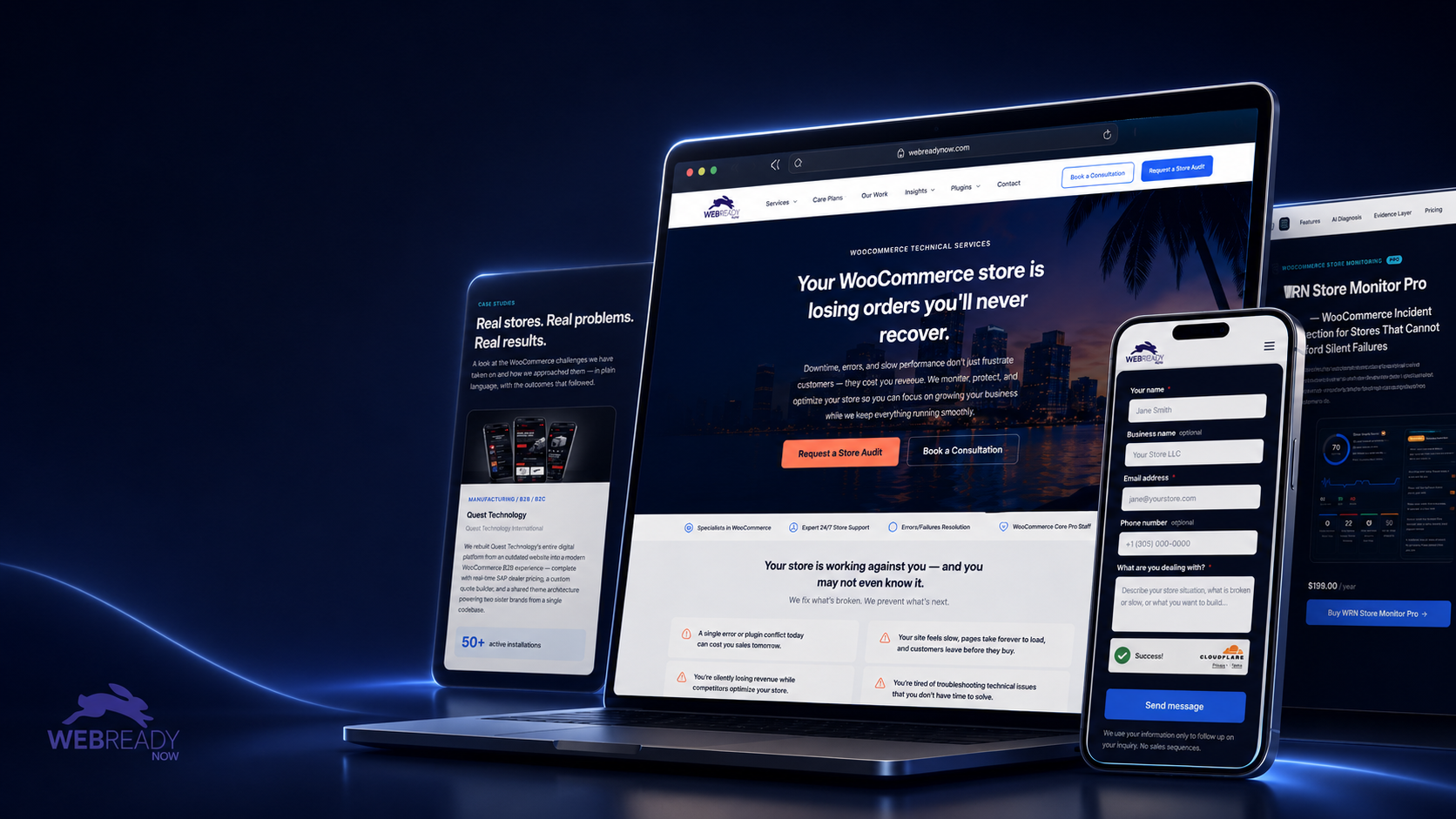
WebReadyNow is my own WooCommerce agency and product platform. I designed and built the entire system that packages, licenses, updates, and documents the commercial WordPress plugins I sell — the same infrastructure now running two plugins published on WordPress.org.
What was the problem?
Selling commercial WordPress plugins takes far more than the plugin code. License keys have to be issued and validated, paid updates delivered securely through the native WordPress update screen, documentation published and searchable, and customer accounts tied to their subscriptions. Off-the-shelf licensing services were expensive, bloated, or a poor fit for how I wanted to run my own products — I needed a platform I fully controlled.
How I solved it
I built WebReadyNow as an integrated WordPress/WooCommerce platform with my own licensing and delivery system (WRN Hub) at its core. It issues and validates license keys, delivers license-authenticated plugin updates through the standard WordPress updates screen, applies a grace period when the license server is briefly unreachable, and serves public, searchable product documentation. License status syncs with WooCommerce Subscriptions, and customers manage their keys and downloads from their own account area.
Measurable results
I own the full product pipeline end to end — from writing the plugin to selling, licensing, updating, documenting, and supporting it. This platform is what let me take products from code to publicly available, paid, and documented, and it runs my two WordPress.org plugins in production today.
- Two commercial plugins taken from code to published, licensed, and documented
- Self-built license issuance with daily validation and a grace-period fallback
- License-authenticated updates delivered through the native WordPress update screen
- Public, searchable product documentation for each plugin
- License status synced with WooCommerce Subscriptions and a customer account area
- Runs as production infrastructure I built and operate solo
Technical highlights
- Custom WordPress plugin (WRN Hub) for license issuance, validation, and update delivery
- License-authenticated update endpoints integrated with the native WP update system
- Grace-period handling when the license server is temporarily unreachable
- WooCommerce Subscriptions integration for the full license lifecycle
- Public, searchable documentation system for every product
- Customer account area for license keys and authenticated downloads
My process applied to this project
-
Diagnose
Understand the real business problem, user flow, and technical constraints before touching code.
-
Plan
Choose the cleanest technical approach, identify dependencies, and define what success looks like.
-
Build
Create custom WordPress/PHP solutions, plugins, integrations, or automations using best practices.
-
Test
Validate edge cases, staging behavior, logs, checkout flows, order statuses, and user roles.
-
Deploy
Release carefully with rollback awareness, staging verification, and clear documentation.
-
Improve
Monitor, optimize, and refine based on real usage, client feedback, and production behavior.
Tech used in this project
How AI accelerated this work
AI tools helped me review error logs, trace query patterns, and generate diagnostic hypotheses in minutes rather than hours — so I could focus on fixing, not searching.
I used AI to audit integration logic, catch silent failure paths, and validate that custom hooks would hold up under different WooCommerce states before going live.
AI-assisted documentation made the final plugin handoff clear and actionable for the client's internal team — reducing support questions after delivery.
Have a similar challenge?
I help e-commerce teams solve the technical problems that cost them time and revenue. Let's talk about yours.
Related projects